Update ADVANCED.md: Use --tmux instead of fzf-tmux
Before adoption: this commit came in with the history the project adopted, so no landing records it.
authored by Junegunn Choi · committed by Junegunn Choi · parent c295339 · Browse files · 1 file·+35 added−37 removed
This commit
State
Before adoption: this commit came in with the history the project adopted, so no landing records it.
Diff stats
1 file+35 added−37 removed
- other:+35 added−37 removed
Provenance
- Commit
d453e6d- Tree
468069e- Author
Junegunn Choi <junegunn.c@gmail.com>- Committer
Junegunn Choi <junegunn.c@gmail.com>- Parent
c295339
1 file changed+35 added−37 removed
modified:ADVANCED.md+35 added-37 removed
1 Advanced fzf examples2 ======================3 4-* *Last update: 2024/01/20*5-* *Requires fzf 0.46.0 or above*4+* *Last update: 2024/06/03*5+* *Requires fzf 0.53.0 or later*6 7 ---8 9 <!-- vim-markdown-toc GFM -->10 11 * [Introduction](#introduction)12-* [Screen Layout](#screen-layout)12+* [Display modes](#display-modes)13 * [`--height`](#--height)14- * [`fzf-tmux`](#fzf-tmux)15- * [Popup window support](#popup-window-support)14+ * [`--tmux`](#--tmux)15 * [Dynamic reloading of the list](#dynamic-reloading-of-the-list)16 * [Updating the list of processes by pressing CTRL-R](#updating-the-list-of-processes-by-pressing-ctrl-r)17 * [Toggling between data sources](#toggling-between-data-sources)18 * [Toggling with a single key binding](#toggling-with-a-single-key-binding)42 unmodified lines61 62 This document will guide you through some examples that will familiarize you63 with the advanced features of fzf.64 66-Screen Layout65+Display modes66 -------------67 68 ### `--height`69 32 unmodified lines102 ```sh103 export FZF_DEFAULT_OPTS="--height=40% --layout=reverse --info=inline --border --margin=1 --padding=1"104 ```105 107-### `fzf-tmux`106+### `--tmux`107 109-Before fzf had `--height` option, we would open fzf in a tmux split pane not110-to take up the whole screen. This is done using `fzf-tmux` script.108+(Requires tmux 3.3 or later)109 110+If you're using tmux, you can open fzf in a tmux popup using `--tmux` option.111+112 ```sh113-# Open fzf on a tmux split pane below the current pane.114-# Takes the same set of options.115-fzf-tmux --layout=reverse113+# Open fzf in a tmux popup at the center of the screen with 70% width and height114+fzf --tmux 70%115 ```116 118-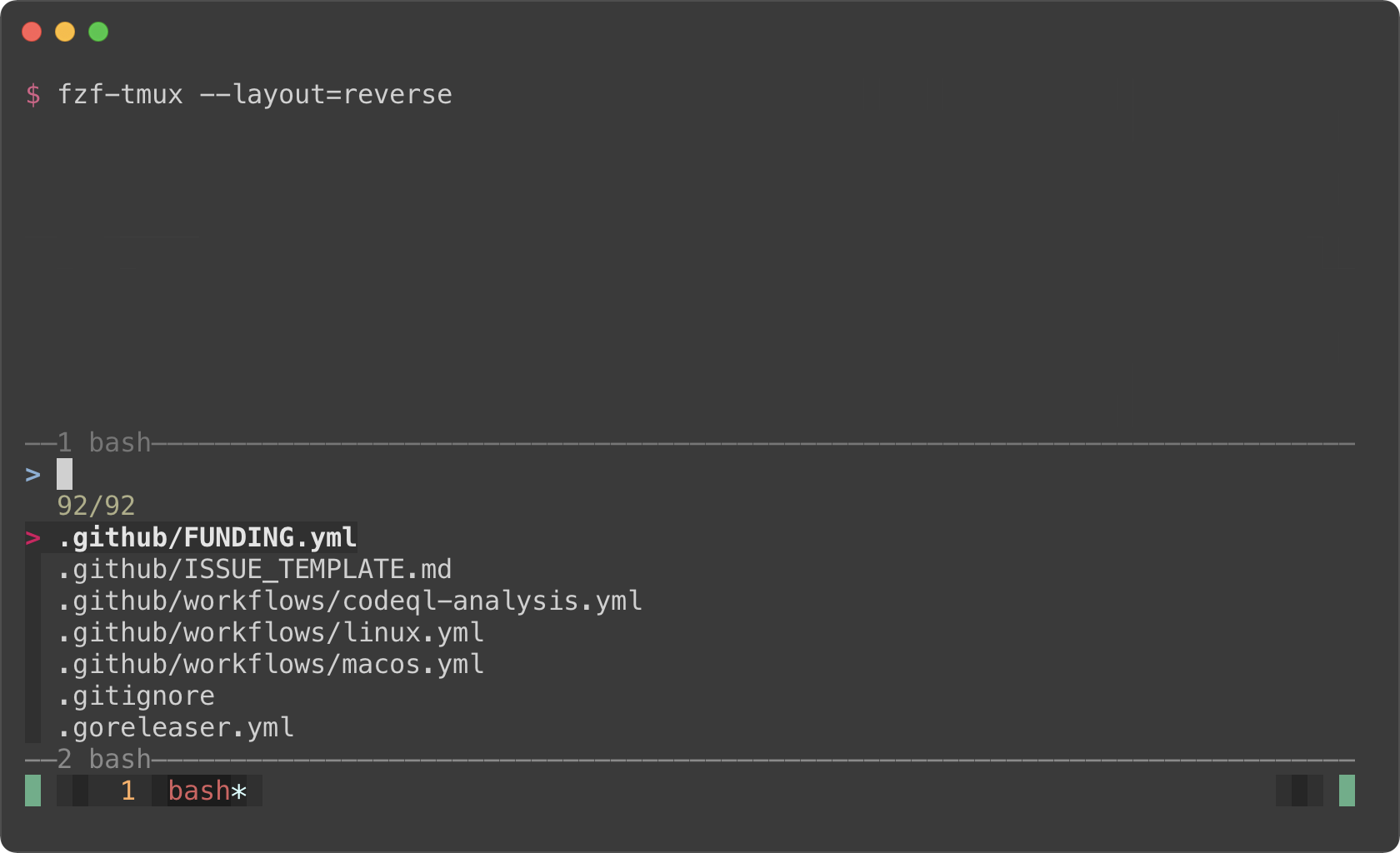117+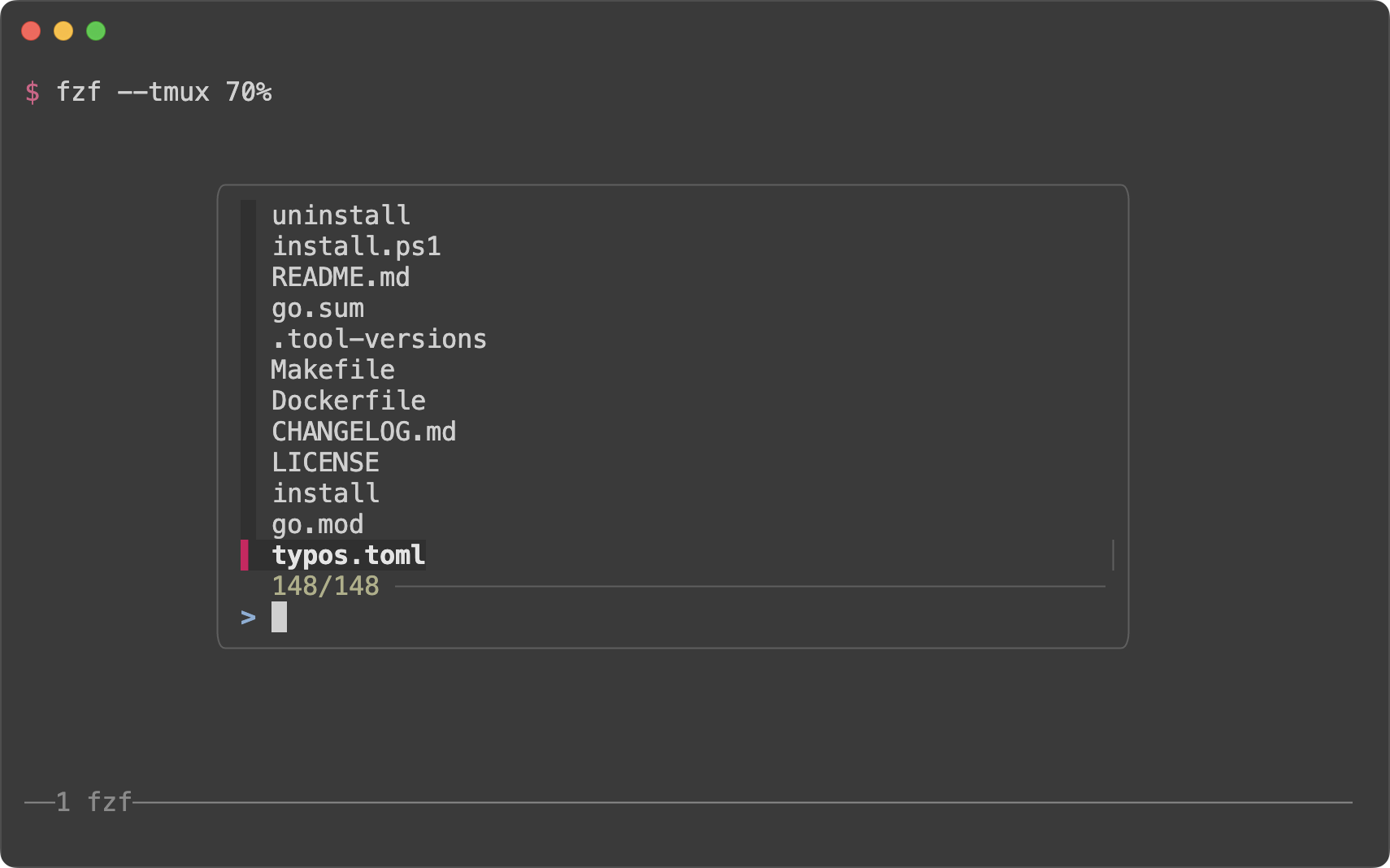118 120-The limitation of `fzf-tmux` is that it only works when you're on tmux unlike121-`--height` option. But the advantage of it is that it's more flexible.122-(See `man fzf-tmux` for available options.)119+`--tmux` option is silently ignored if you're not on tmux. So if you're trying120+to avoid opening fzf in fullscreen, try specifying both `--height` and `--tmux`.121 122 ```sh125-# On the right (50%)126-fzf-tmux -r127-128-# On the left (30%)129-fzf-tmux -l30%130-131-# Above the cursor132-fzf-tmux -u30%123+# --tmux is specified later so it takes precedence over --height when on tmux.124+# If you're not on tmux, --tmux is ignored and --height is used instead.125+fzf --height 70% --tmux 70%126 ```127 135-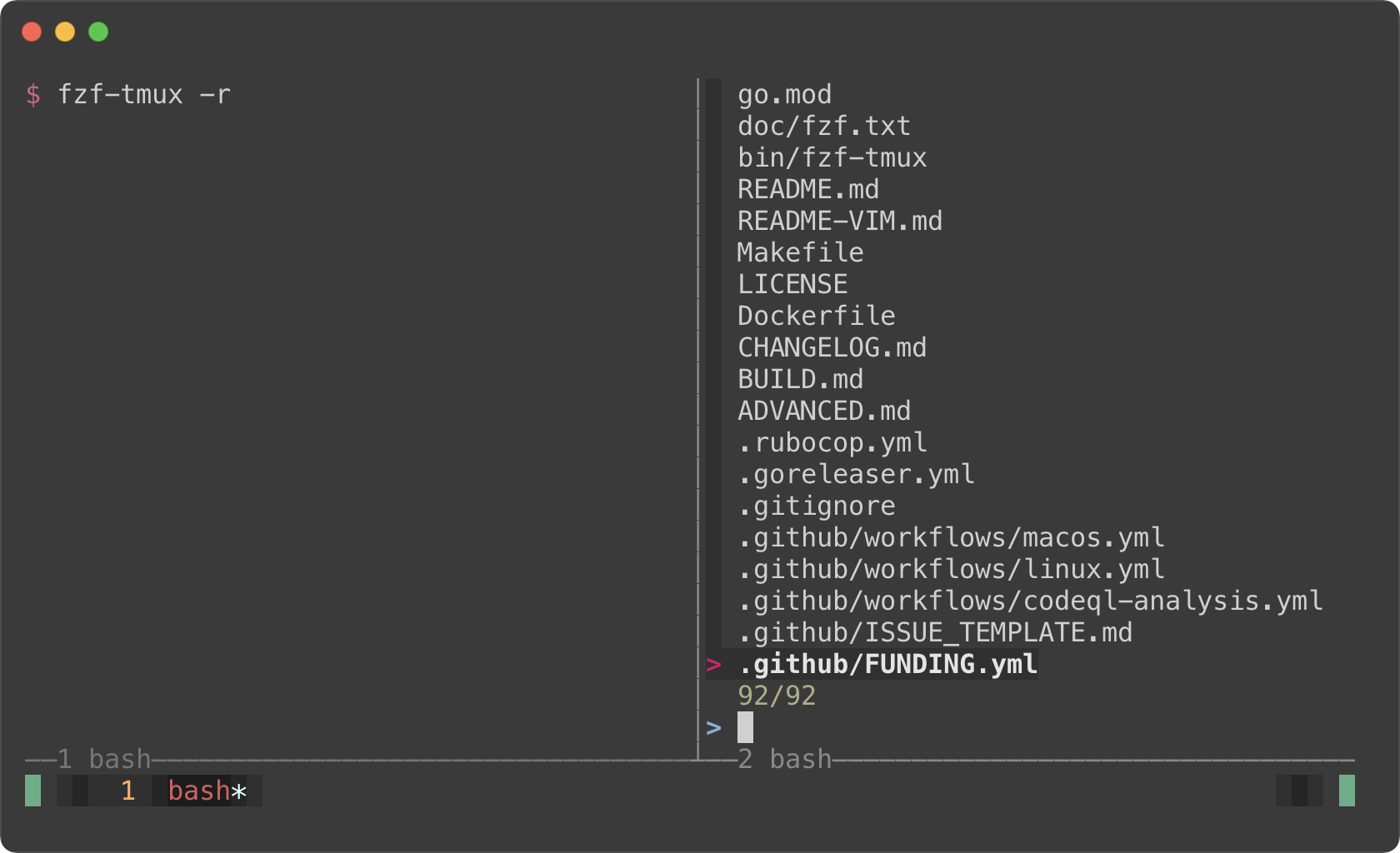128+You can also specify the position, width, and height of the popup window in129+the following format:130 137-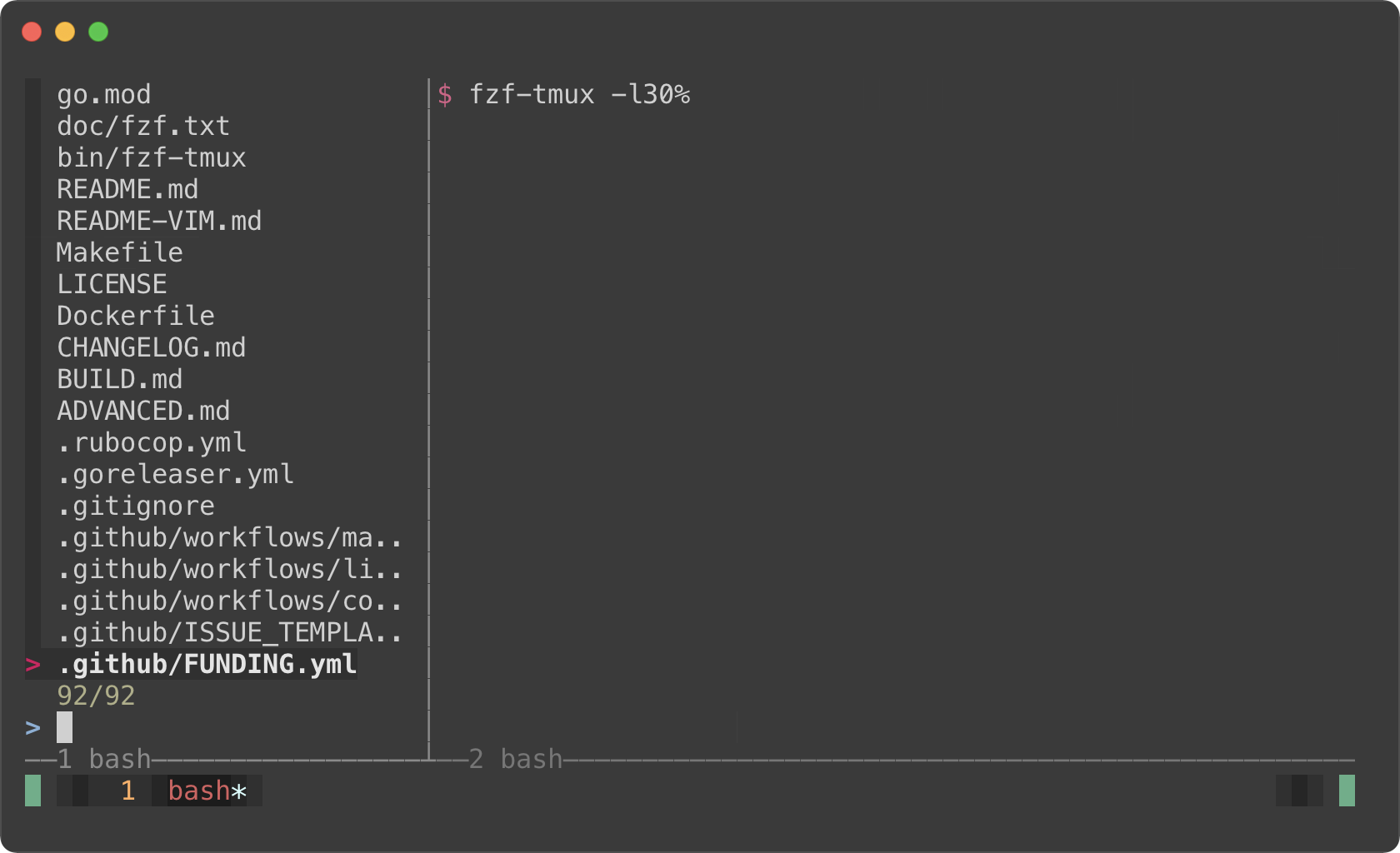131+* `[center|top|bottom|left|right][,SIZE[%]][,SIZE[%]]`132 139-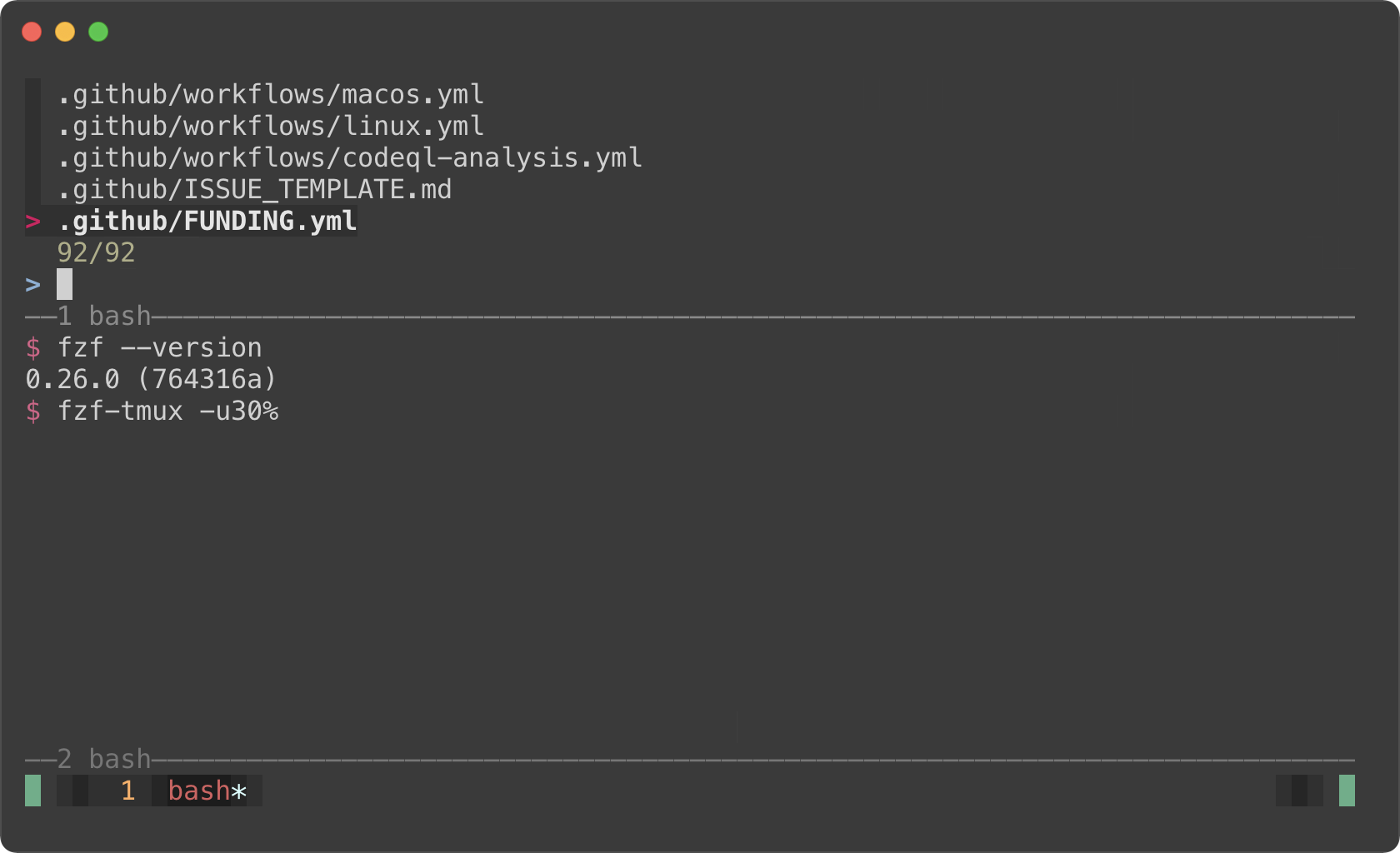133+```sh134+# 100% width and 60% height135+fzf --tmux 100%,60% --border horizontal136+```137 141-#### Popup window support138+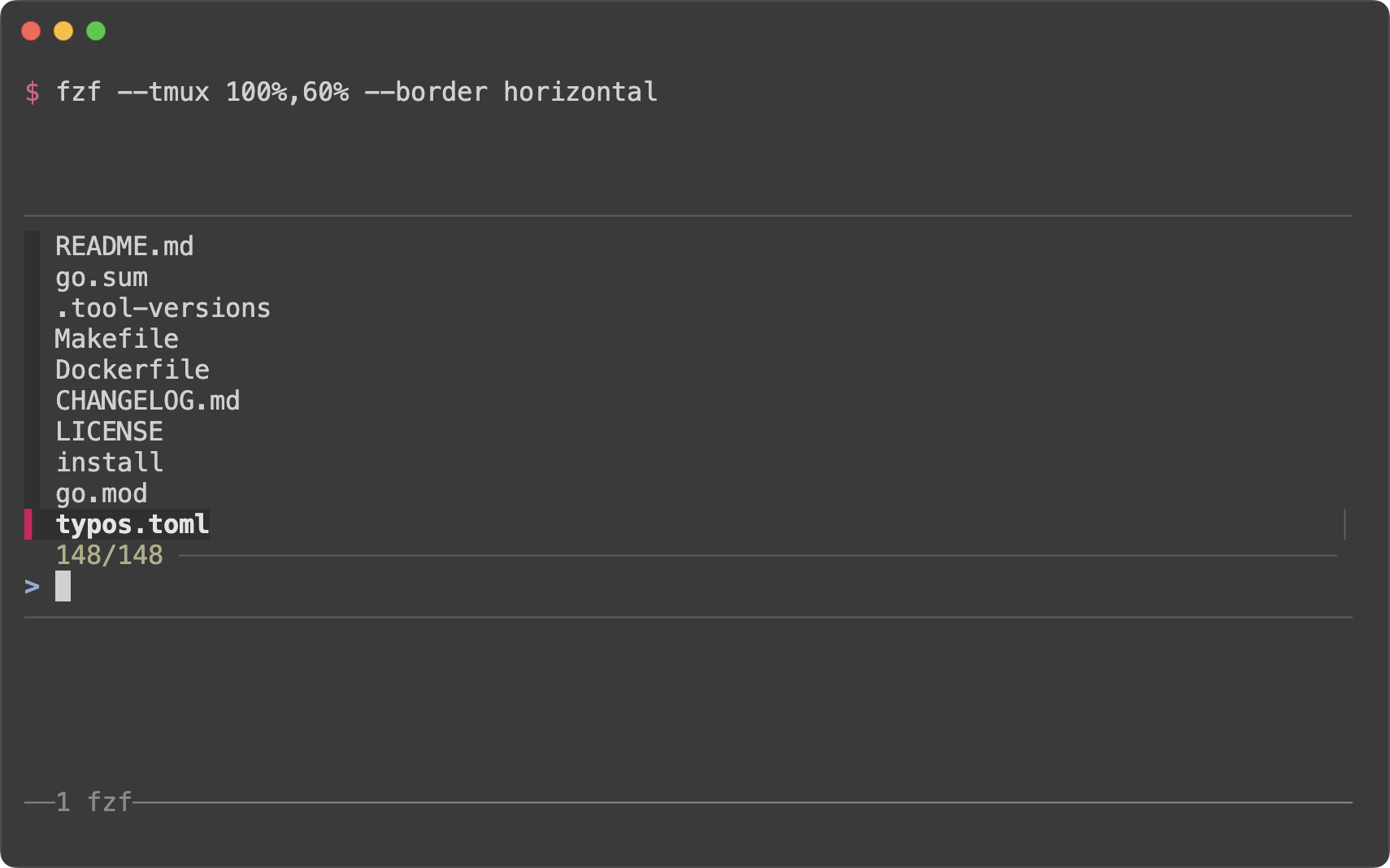139 143-But here's the really cool part; tmux 3.2 added support for popup windows. So144-you can open fzf in a popup window, which is quite useful if you frequently145-use split panes.146-140 ```sh148-# Open tmux in a tmux popup window (default size: 50% of the screen)149-fzf-tmux -p141+# On the right (50% width)142+fzf --tmux right143+```144 151-# 80% width, 60% height152-fzf-tmux -p 80%,60%145+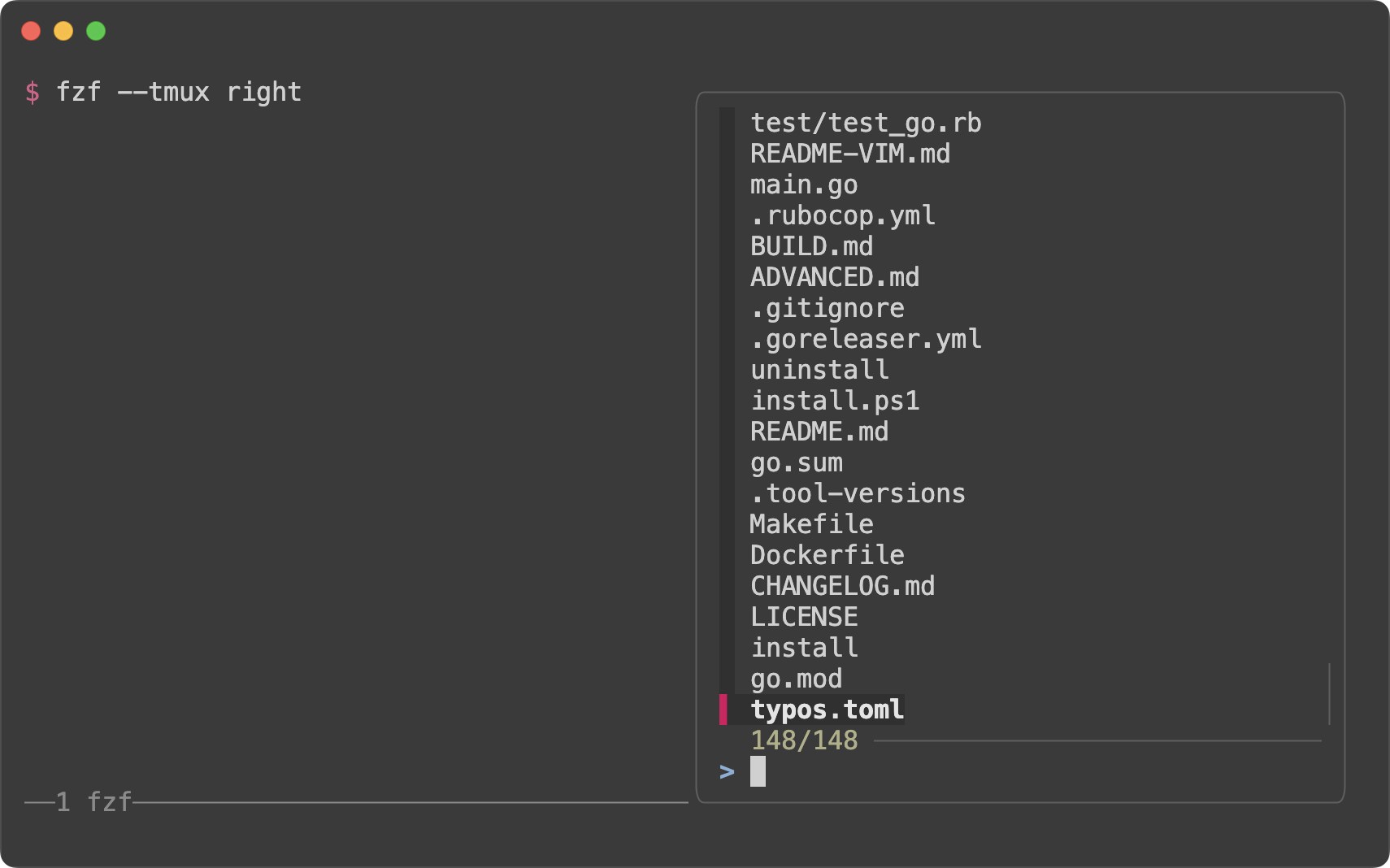146+147+```sh148+# On the left (40% width and 70% height)149+fzf --tmux left,40%,70%150 ```151 155-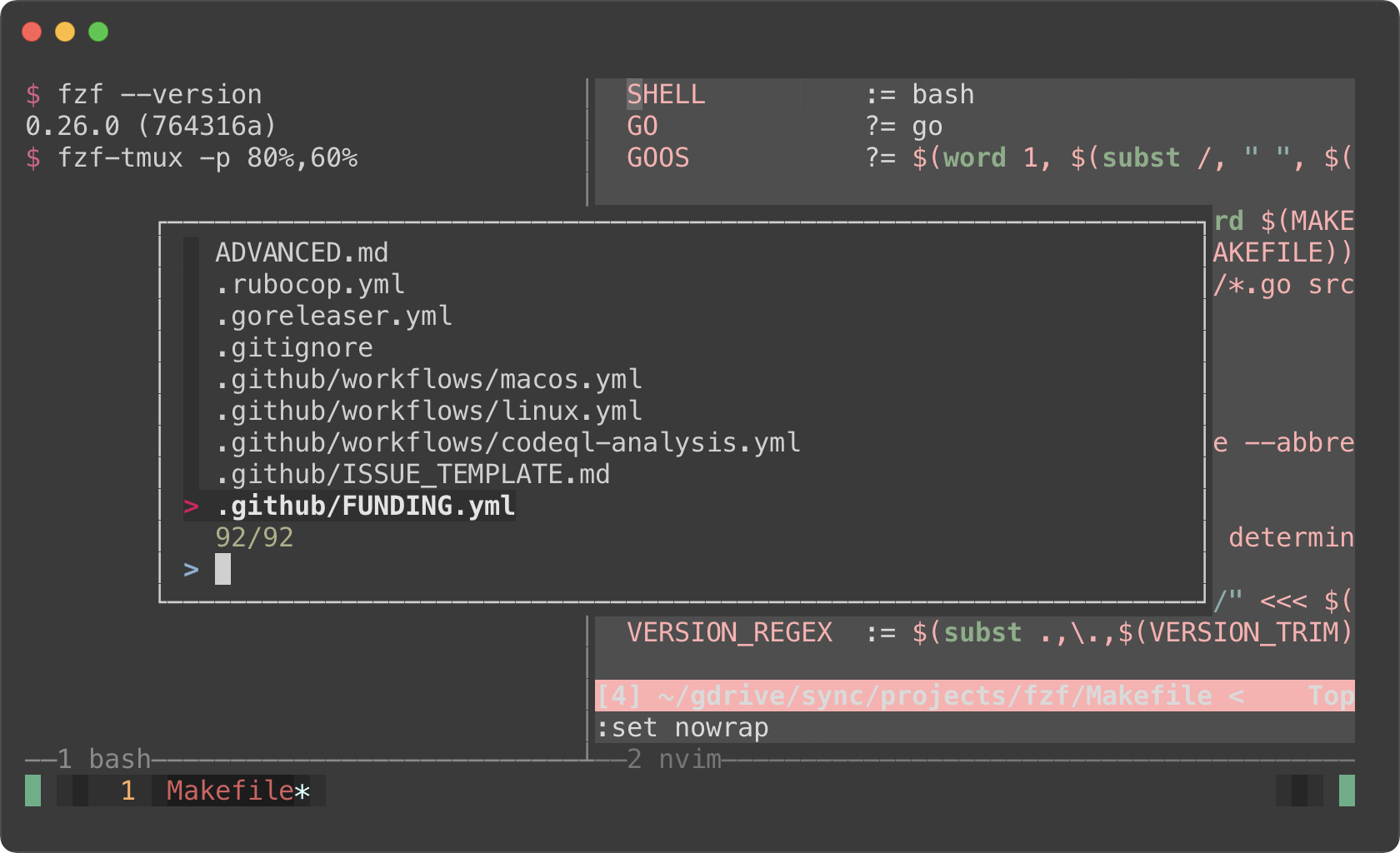152+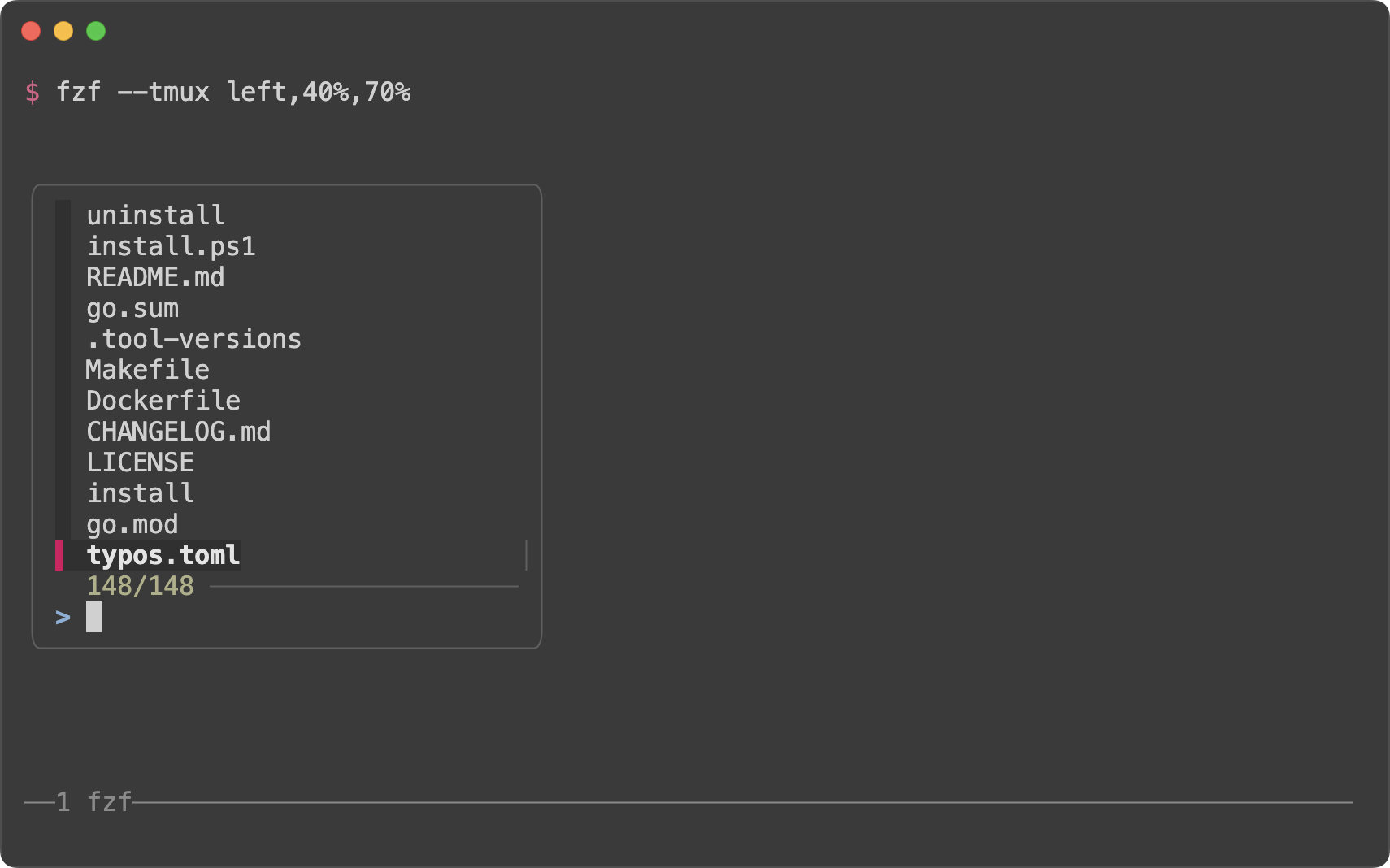153 154+> [!TIP]155 > You might also want to check out my tmux plugins which support this popup156 > window layout.157 >158 > - https://github.com/junegunn/tmux-fzf-url520 unmodified lines