README.md
This file
Path
README.md
79 lines · 3.0 KiB · Markdown
Last changed by
Move badges to top of README (#7293)Nate Prewittbefore adoption8b9bc8f
History of this fileTake it
The walk stopped after 200 commits: lines older than d718e75 point at it.
Start testing on 3.11 dev branch (#6037)Nate Prewittbefore adoptiond718e75
lines 1–2why, one step back1# Requests2Move badges to top of README (#7293)Nate Prewittbefore adoption8b9bc8f
lines 3–7why, one step back3[](https://pypi.org/project/requests/)4[](https://pypi.org/project/requests)5[](https://pepy.tech/project/requests)6[](https://github.com/psf/requests/graphs/contributors)7Start testing on 3.11 dev branch (#6037)Nate Prewittbefore adoptiond718e75
lines 8–36why, one step back8**Requests** is a simple, yet elegant, HTTP library.910```python11>>> import requests12>>> r = requests.get('https://httpbin.org/basic-auth/user/pass', auth=('user', 'pass'))13>>> r.status_code1420015>>> r.headers['content-type']16'application/json; charset=utf8'17>>> r.encoding18'utf-8'19>>> r.text20'{"authenticated": true, ...'21>>> r.json()22{'authenticated': True, ...}23```2425Requests allows you to send HTTP/1.1 requests extremely easily. There’s no need to manually add query strings to your URLs, or to form-encode your `PUT` & `POST` data — but nowadays, just use the `json` method!2627Requests is one of the most downloaded Python packages today, pulling in around `30M downloads / week`— according to GitHub, Requests is currently [depended upon](https://github.com/psf/requests/network/dependents?package_id=UGFja2FnZS01NzA4OTExNg%3D%3D) by `1,000,000+` repositories. You may certainly put your trust in this code.2829## Installing Requests and Supported Versions3031Requests is available on PyPI:3233```console34$ python -m pip install requests35```36Drop support for Python 3.9 (#7196)Nate Prewittbefore adoption0c2bbe7
line 37why, one step back37Requests officially supports Python 3.10+.Start testing on 3.11 dev branch (#6037)Nate Prewittbefore adoptiond718e75
lines 38–63why, one step back3839## Supported Features & Best–Practices4041Requests is ready for the demands of building robust and reliable HTTP–speaking applications, for the needs of today.4243- Keep-Alive & Connection Pooling44- International Domains and URLs45- Sessions with Cookie Persistence46- Browser-style TLS/SSL Verification47- Basic & Digest Authentication48- Familiar `dict`–like Cookies49- Automatic Content Decompression and Decoding50- Multi-part File Uploads51- SOCKS Proxy Support52- Connection Timeouts53- Streaming Downloads54- Automatic honoring of `.netrc`55- Chunked HTTP Requests5657## API Reference and User Guide available on [Read the Docs](https://requests.readthedocs.io)5859[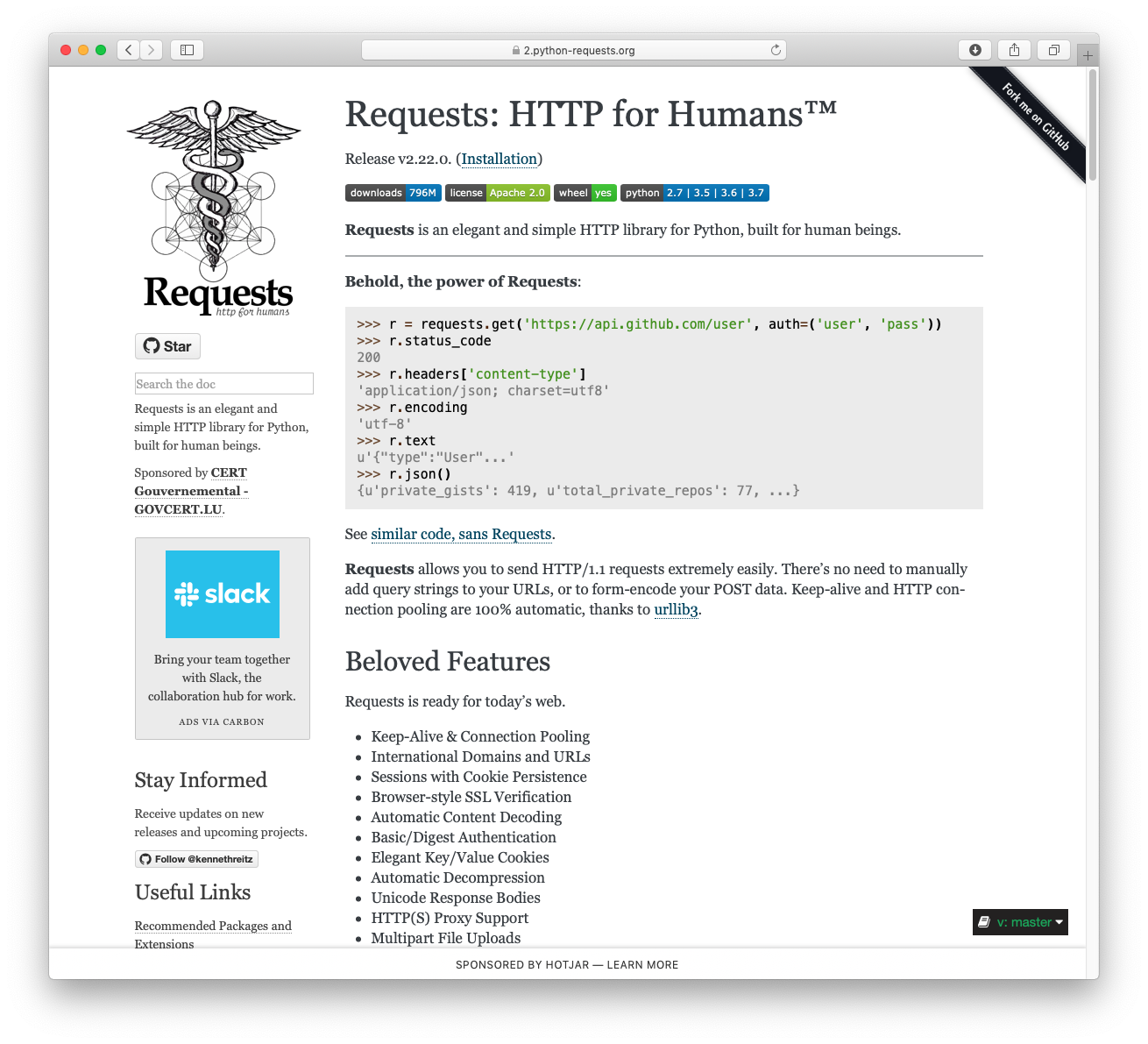](https://requests.readthedocs.io)6061## Cloning the repository6263When cloning the Requests repository, you may need to add the `-cClarify error description in cloning instructionsAHMAD FAIZbefore adoption8ff173b
line 64why, one step back64fetch.fsck.badTimezone=ignore` flag to avoid an error about a bad commit timestamp (seeStart testing on 3.11 dev branch (#6037)Nate Prewittbefore adoptiond718e75
lines 65–79why, one step back65[this issue](https://github.com/psf/requests/issues/2690) for more background):6667```shell68git clone -c fetch.fsck.badTimezone=ignore https://github.com/psf/requests.git69```7071You can also apply this setting to your global Git config:7273```shell74git config --global fetch.fsck.badTimezone ignore75```7677---7879[](https://kennethreitz.org) [](https://www.python.org/psf)